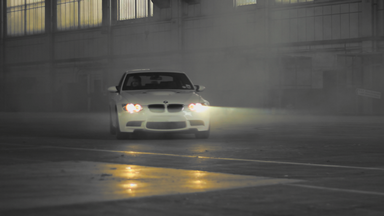
Desaturates the layer except for the chosen color. This can be used to create Sin City and Pleasantville style visual effects.
Item |
Description |
Color to Leave |
Specifies the color to isolate. You can specify a color or use the pipette to choose a color from your media. Note that it is best to disable the effect while selecting the color. |
Blend with Original |
Mixes the original source and the graded version. |
Tolerance |
Low tolerance will leave only the exact specified color. Greater tolerance will expand the range of accepted color. |
Edge Softness |
Feathers the edge of the colored area. |
Match Colors By |
Switch between various color modes. |
Composite On |
Change the blend method of the resulting effect. |
Invert |
Switches between the selected color being retained to being the only color removed. |