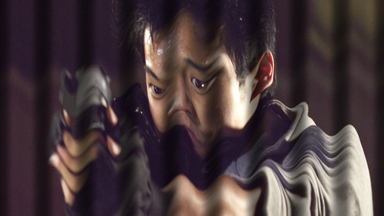
The Distort effects are used to change the shape and behaviour of a layer.
Bezier warp
Provides the ability to distort the layer and fold it into new shapes.
It is generally easier to use the Viewer controls.
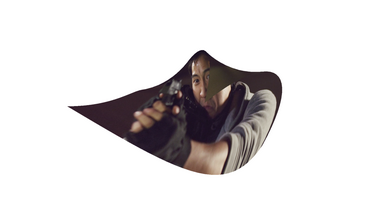
Bulge
Creates the illusion of a bulging shape pushing through the layer.
You can choose from multiple shapes and adjust the size and shape of the bulge.
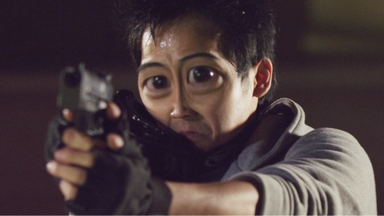
Chromenator
Creates the appearance of liquid metal.
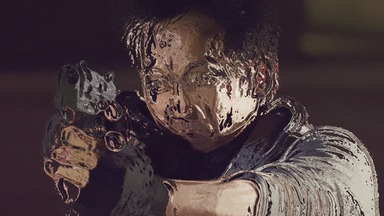
Displacement
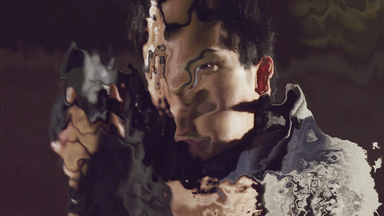
Shifts the pixels in particular directions according to the displacement source. This can create excellent invisibility and other distortion effects.
You can select the source layer and source channels, plus adjust the strength of the displacement.
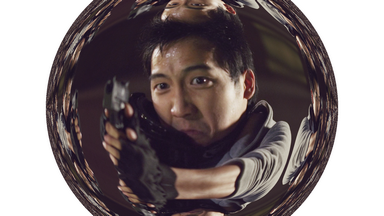
Fisheye warp
Creates the appearance of a fisheye lens, as if wrapping the layer around a concave or convex surface.
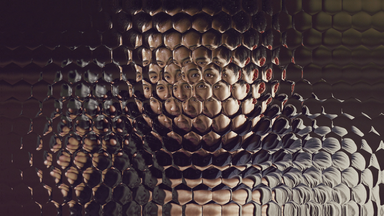
Insect vision
Creates the tiled appearance of a multi-faceted insect eye.
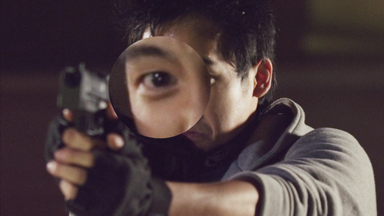
Magnify
Zooms in on a specific area of the layer. The shape, size and position of the magnification can all be changed.
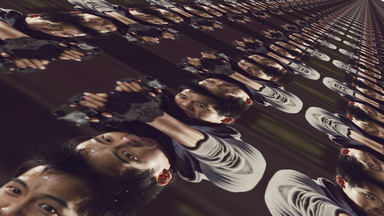
Perspective warp
Simulates rotating the layer in 3D.
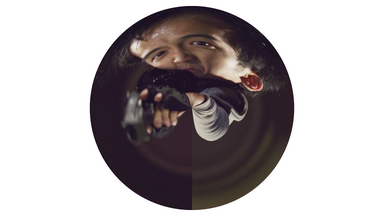
Polar warp
Wraps the layer into a circular shape.
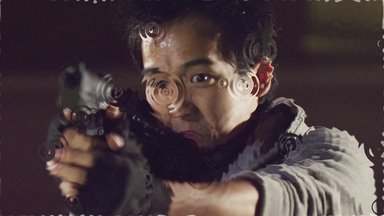
Pond ripple
Creates ripples which expand and distort the layer.
The size and behaviour of the ripples can be adjusted.
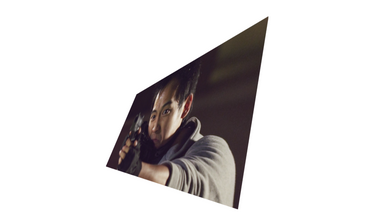
Quad warp
Adds a quad controls to the layer so that you can change its shape by moving its corners.
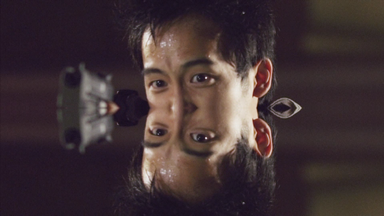
Reflection
A quick and easy way to create a reflection of the layer.
Shake
Adds artificial camera shake to the layer. This can be useful for adding shake to explosive effects, or for adding a sense of a handheld camera to a tripod shot.
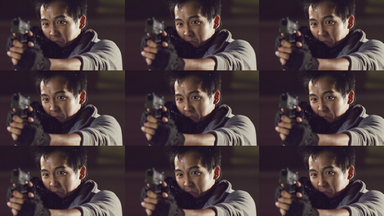
Tile
A quick and easy way to tile the layer without needing to create duplicates.
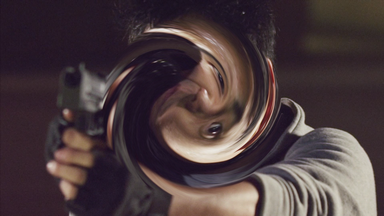
Twirl
Twists the layer around the effect's center point.
Vortex displacement warp
Similar to the twirl but with additional displacement and vortex controls for pinching and stretching the affected area.
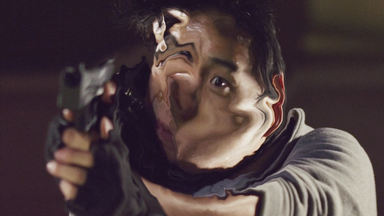
Waves
Creates a corrugated effect. You can also choose another layer as the displacement source and alter the lighting on the bright and dark sides of the wave.