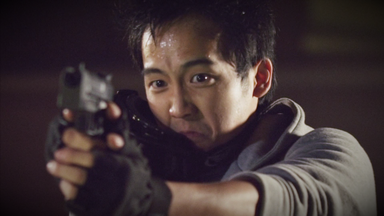
The Generate effects are used to create new elements. These can be applied to layers like any other effect, though you will often find it best to apply them to Plane layers or Grade layers so that they can be manipulated on a layer of their own.
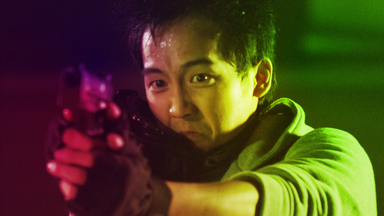
4-point color gradient
Generates a 4-color gradient. The colors and mixing of the colors can be changed, as can the position of the gradient points.
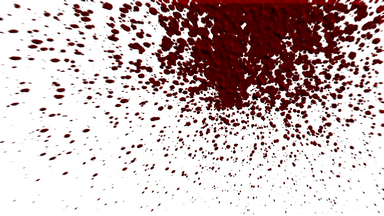
Blood spray
Creates a spray of blood that jets out from the center point. The effect can also simulate the blood impacting on a surface.
For those of you not making action or horror films, this can also be used for interesting paint effects!
The Appearance properties provide customization options for the color and texture of the effect.
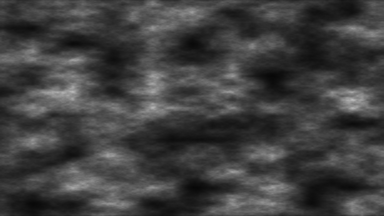
Clouds
Generates a moving, randomly generated cloud texture.
Color gradient
Creates a 2-point gradient of color.
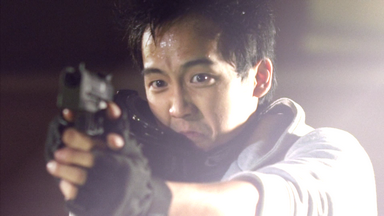
Derez (VGHS)
Custom-built for Freddie Wong's Video Game High School web series. Creates a digital glitching appearance.
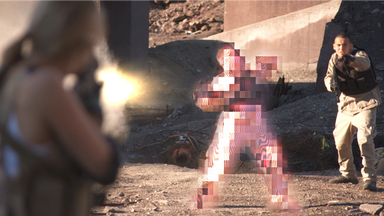
Drop shadow
Adds a drop shadow to the layer. You can change the scale, distance and appearance of the shadow, or choose to render the shadow without the layer.
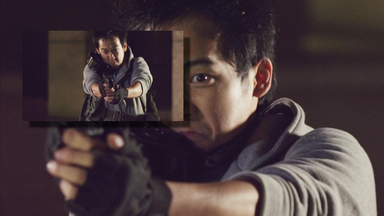
Fill color
Simply fills the layer with the selected color. You can choose to blend the color with the original layer to varying amounts.
Film damage
Simulates the problems caused by a poorly projected film, including grain, stains, dust and scratches, frame shake and flickering.
You can control each of the elements individually to get the exact look you want.
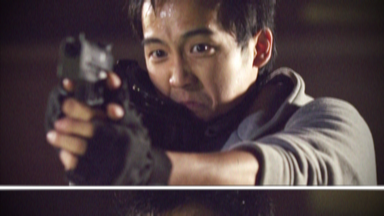
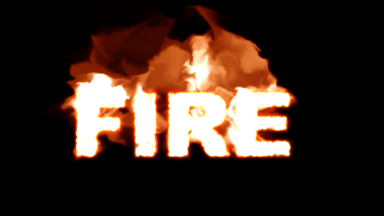
Fire
Generates procedural fire. See the Fire chapter for details.
Flicker
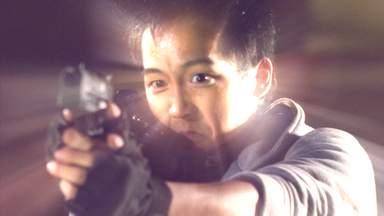
Introduces a random flickering to the layer. The behaviour of the flicker can be finely customized.
Gleam
Creates the impression of rays of light shining out from a central point.
The appearance of the rays can be heavily customized.
The general appearance of the rays is determined by its properties, rather than by its interaction with the layer itself. In this respect it differs from the Light rays effect.
Grid
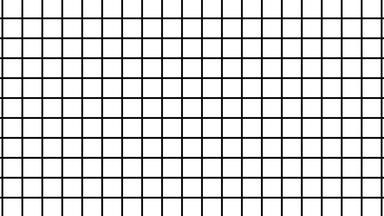
Creates a grid pattern. You can adjust the spacing and size of the grid lines.
Half tone
Turns the layer into a half tone image, similar to black and white newspaper print.
You can adjust the composition of the half tone dots.
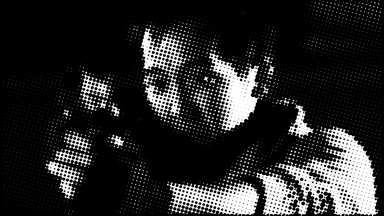
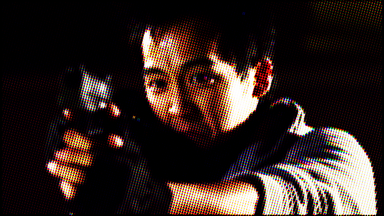
Half tone color
A color variation of the Half tone effect.
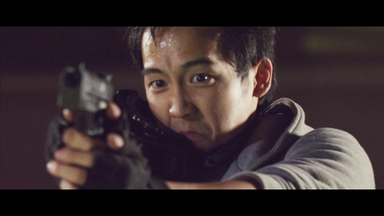
Letterbox
The fastest and easiest ways to add letterboxing to your movie. Presets enable you to quickly pick from standard film aspect ratios.
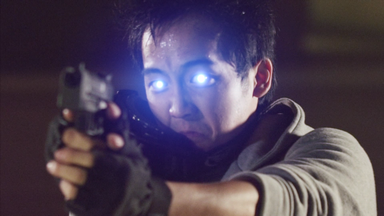
Light flares
Generates a wide variety of realistic lens flares and lights. Each flare type can be heavily customized to create a limitless variety of alternatives.
You can individually adjust the hotspot, rays and additional elements to create your own flares.
Light streaks
Creates a range of light streaks based on the source layer. Ideal for creating the kind of lens aberrations caused by anamorphic lenses.
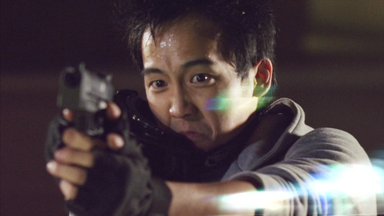
Light rays
On the surface similar to Gleam, Light rays generates a more realistic illusion of light emitting from a central point. The light rays behave more naturally on the movement of the layer.
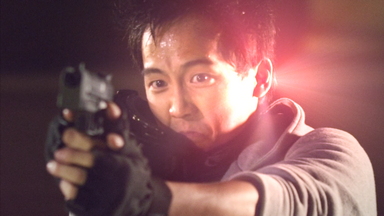
Lightning & electricity
This is a massively powerful procedural generator of lightning and electricity. For full details see Lightning & electricity.
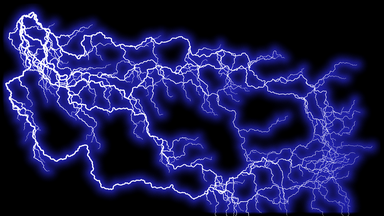
Radial gradient
Creates a circular color gradient. The size, position and shape of the gradient can all be tweaked.
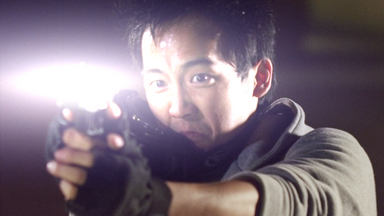
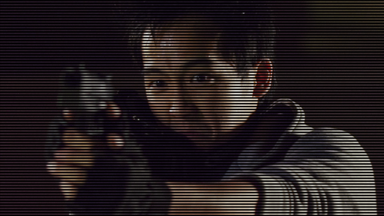
Scan lines
Creates scan lines as seen on some monitor displays when filmed.
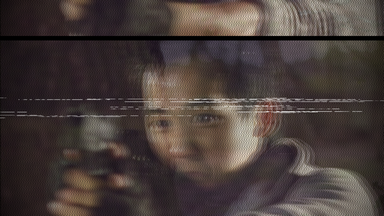
TV damage
Simulates the appearance of a badly tuned television signal.
Each element can be customized individually to create the exact look you want.
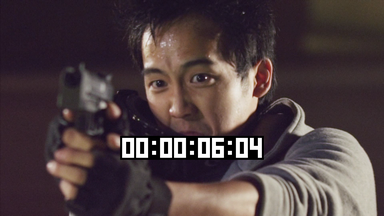
Timecode
Generates a counter showing the current position in time of the layer or timeline.
Vignette
Adds a soft colored edge to the layer. You can customize the color and shape of the vignette.