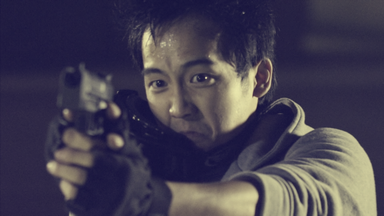
The stylize effects offer more extreme color grading options. They often combine multiple techniques into a single effect.
Bleach bypass
Simulates the harsh, high contrast look of bleach bypass film processing. Often used for war movies.
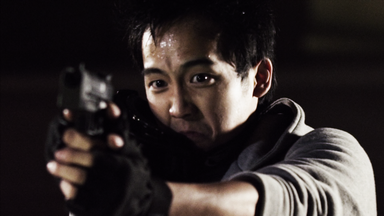
Cartoon
Creates the appearance of a cartoon drawing, with smoothed colors and lines drawn over edges.
You can heavily customize the appearance of the edge lines and the fill.
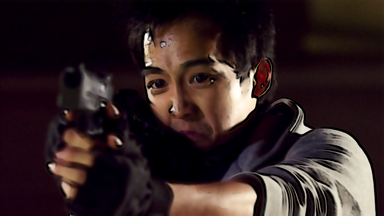
Day for night
A quick way to convert a shot filmed in the day to having the appearance of being filmed at night.
Applies a gradient based on the Horizon property, with separate controls for the near and far areas.
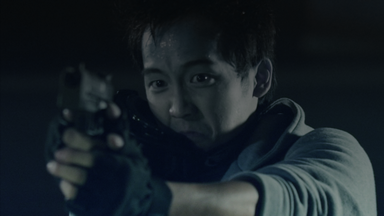
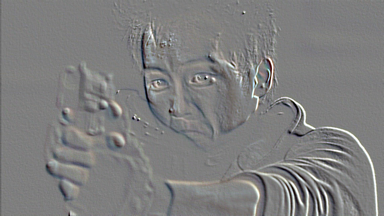
Emboss
Creates the illusion of a ridged image, based on the source layer, similar to clay imprint.
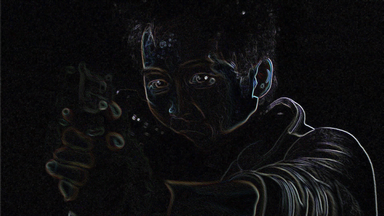
Find edges
Reduces the layer to only showing edge areas.
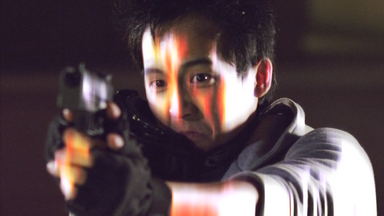
Glow
Adds a glowing aura to bright areas of the layer.
Per Channel Intensity properties enable you to shift the glow color.
Advanced options provide further customization of the glow's appearance, including creating a specific color gradient.
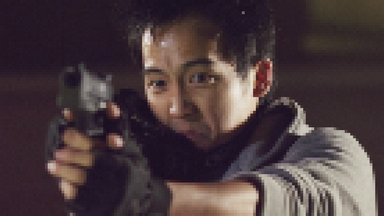
Mosaic
Creates a tiled, mosaic appearance by reducing the number of pixels in the layer.
Neon glow
Creates a glowing edge around a layer's alpha channel. This is particularly useful for effects such as lasers and lightsabers.
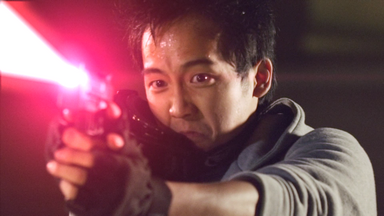
Oil painting
Creates the look of an oil painting.
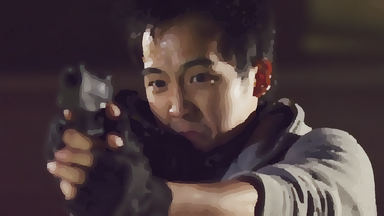
Posterize
Reduces the color detail in the layer to create blocks of color.
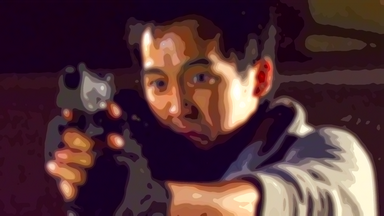
Solarize
Creates the appearance of a film negative, with emphasis on the highlights.
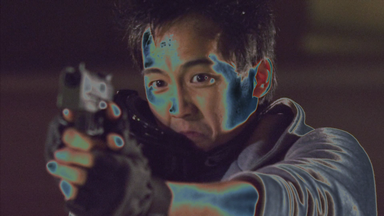
Three strip color
Simulates the three strip color film process, resulting in richer, deeper colors.
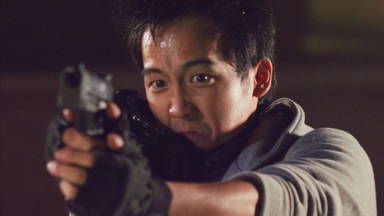
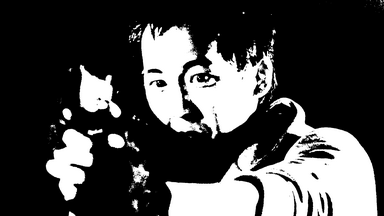
Threshold
Reduces the layer to just two colors. You can specify the colors and the threshold changes the emphasis of the effect.
Tint
Tints the layer, shifting dark and light areas towards your specified colors.
The Amount to Tint property can be used to create subtle or extreme effects.